Introduction: Defining the System Before the Sign
Start with the system, not the sign. A “digital name plate” is more than a small screen on a stand; it is a node in a larger workflow that links people, rooms, and data. Picture a global sales meeting where team members swap seats between sessions. In one study, planners reported that almost 30% of sessions started late due to seating and role confusion—small errors that snowball into wasted time. If your displays lag, if updates need a laptop, or if power is messy, you feel it in every agenda shift. So, what does a robust setup look like, and why do some rollouts stumble (even with strong hardware)?
Let’s build a simple lens. Think about refresh speed, power sourcing, network load, and change control. These are the hidden “levers” that decide whether the room looks sharp or chaotic. We will break down the costs of old habits, then compare newer options that use edge computing nodes and efficient power converters. From there, you can set clear criteria for your next upgrade—without overbuying or underplanning.
The Hidden Friction in Conference Room Identity
Where do conventional plates break down?
With conference table name plates, the weak point is rarely the screen. It is the chain behind it. Traditional paper cards are slow to change, and the “semi-digital” alternatives often add new chores. If plates need USB updates or a local app, your team becomes the help desk. Attendee swaps? Delayed. Name changes? Prone to typos. A simple daily stand-up becomes an IT ticket queue—funny how that works, right? Add in battery swaps, and you now manage a mini supply chain at the conference table.
There are also technical traps. Devices that rely on ad hoc Wi‑Fi can fail under dense traffic. BLE beacons help, but they need careful channel planning. If not, you get latency and pairing drift. Power is another stress point. Some plates draw more than a PoE switch can spare when they refresh all at once. Without smart power converters, peak load can trip ports. Firmware that updates one by one is also a drag; you want over‑the‑air updates that stage, verify, and roll back. Look, it’s simpler than you think: aim for a plate that treats the table like a managed edge, not a set of gadgets. That means predictable PoE budgets, a small gateway for orchestration, and clear roles for content owners (not just IT). In short, design the pipeline, then pick the display.
From Static Tags to Smart Systems
What’s Next
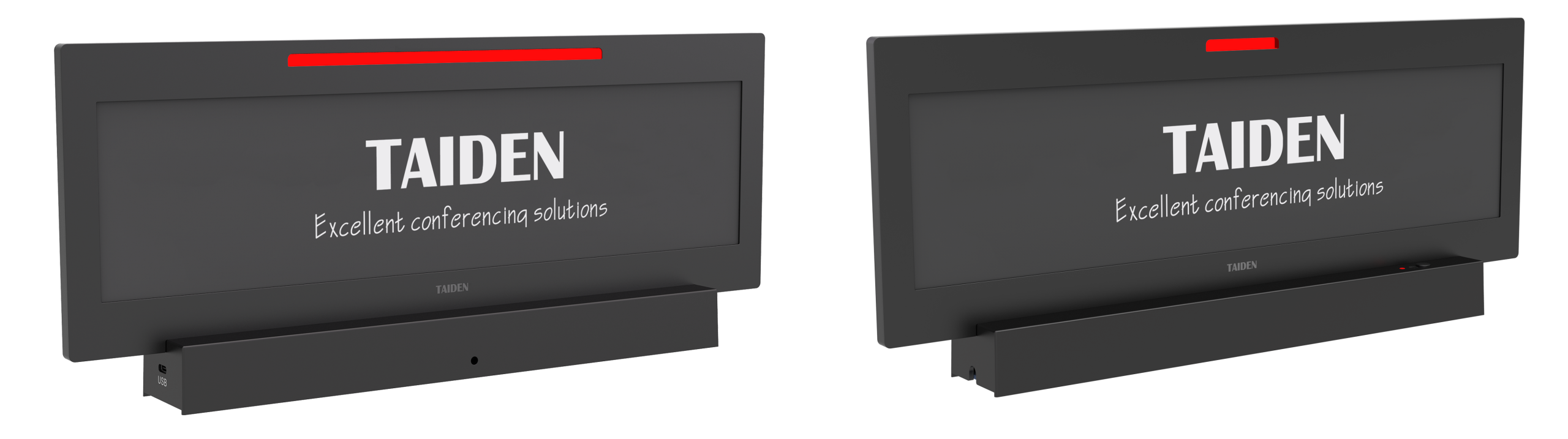
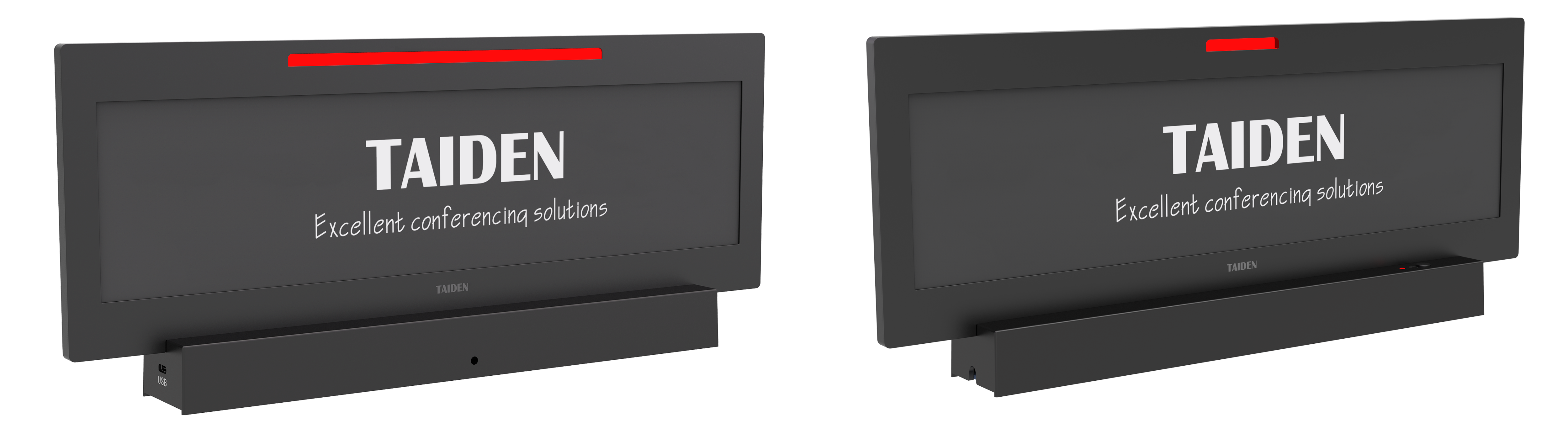
Now, compare older kits with systems built on new technology principles. Modern electronic nameplates act like managed endpoints with e‑ink displays, staged updates, and local logic. A small edge controller batches changes, so a full table refresh hits the network as one planned job, not a swarm. This reduces chatter, power spikes, and clock drift. Think of it as a light “orchestra conductor” that knows when to pull data from your calendar system and when to push it to plates. Add NFC or RFID for tap‑to‑assign seats, and roles change in seconds. Not minutes. Not after coffee. Seconds.
The upshot is stability—with flexibility. You can define content rules (“Board roles in bold, guests in gray”), enforce font packs via firmware, and run health checks before a high‑stakes meeting. And because power and data ride on PoE, cable runs stay neat. When travel teams arrive early, you stage changes. If the CEO walks in late, you push a quick swap. The table looks calm—because the system did the hard work backstage. That is the contrast to older DIY mixes, where each plate behaves like a one‑off. Once you see it, you cannot unsee it.
How to Choose with Confidence
We covered the pain: manual touch points, unstable networks, and power spikes. We also mapped what’s better: orchestrated updates, smart power, and clear roles. To make this actionable, use three evaluation metrics. 1) Orchestration depth: Can the platform stage, batch, and roll back changes, and does it support over‑the‑air updates without seat-by-seat babysitting? 2) Power discipline: Does the system publish PoE budgets, handle peak refresh loads with efficient power converters, and expose port-level alerts? 3) Network resilience: Are edge computing nodes or gateways used to cut chatter, and can the system sandbox traffic when Wi‑Fi is busy? Meet these, and your meeting start times improve—funny how that works, right? When you map your needs to these metrics, you will find vendors that align with your workflow, not the other way around (and that is the point). For a benchmark reference in this space, see TAIDEN.