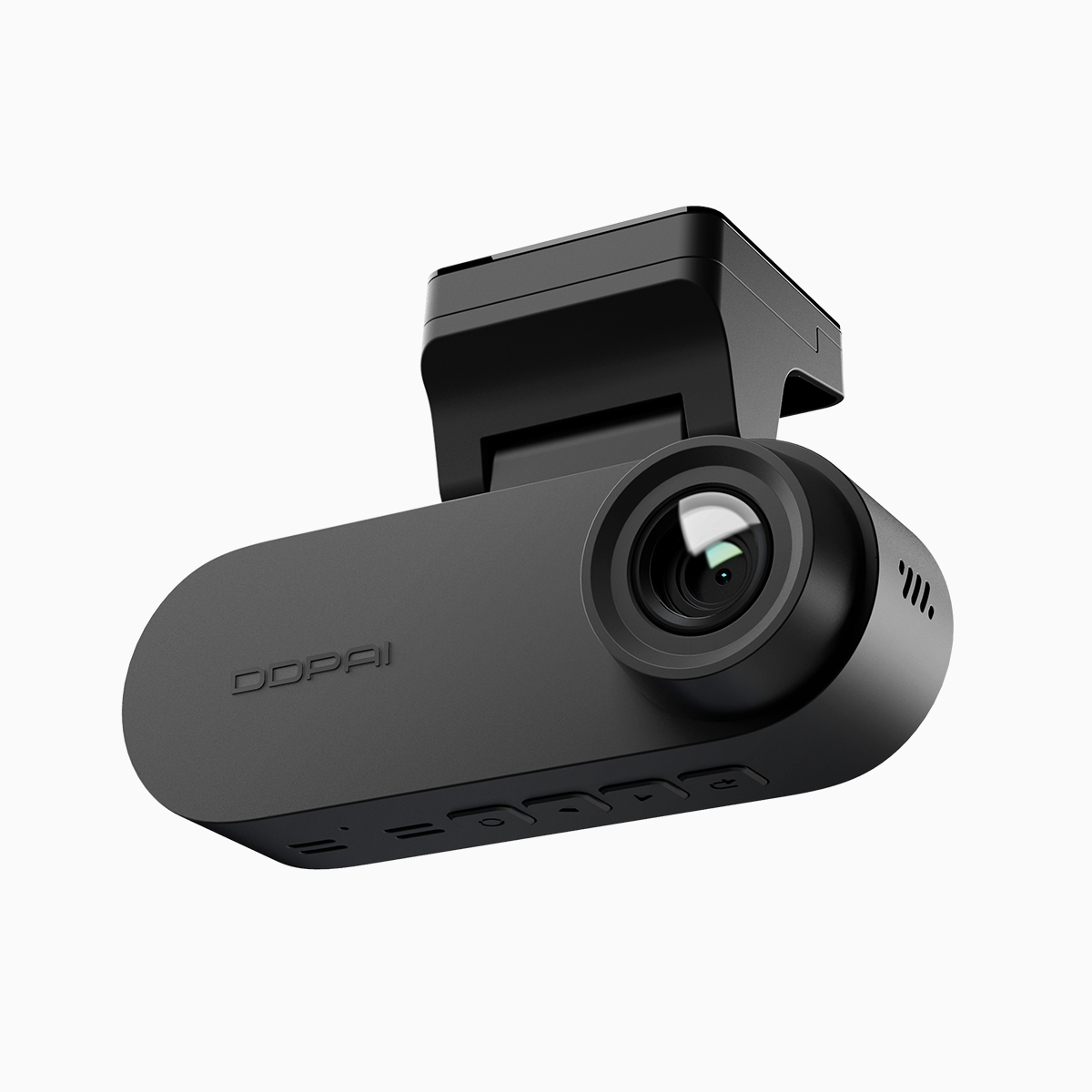
User needs first: what’s really on the road
I spend more miles than most folks—Manila’s EDSA traffic’ll do that to ya—so I look at dash cams from the driver’s point of view: clear evidence, simple setup, and an app that don’t make you wanna throw your phone. For many drivers that means a reliable front and rear dash cam system that captures readable license plates and keeps you connected when you need footage fast. Resolution like 4K UHD matters for detail, but real-world use leans on steady bitrate, solid loop recording, and a trustworthy app that actually pairs over 5GHz Wi‑Fi without constant drops.
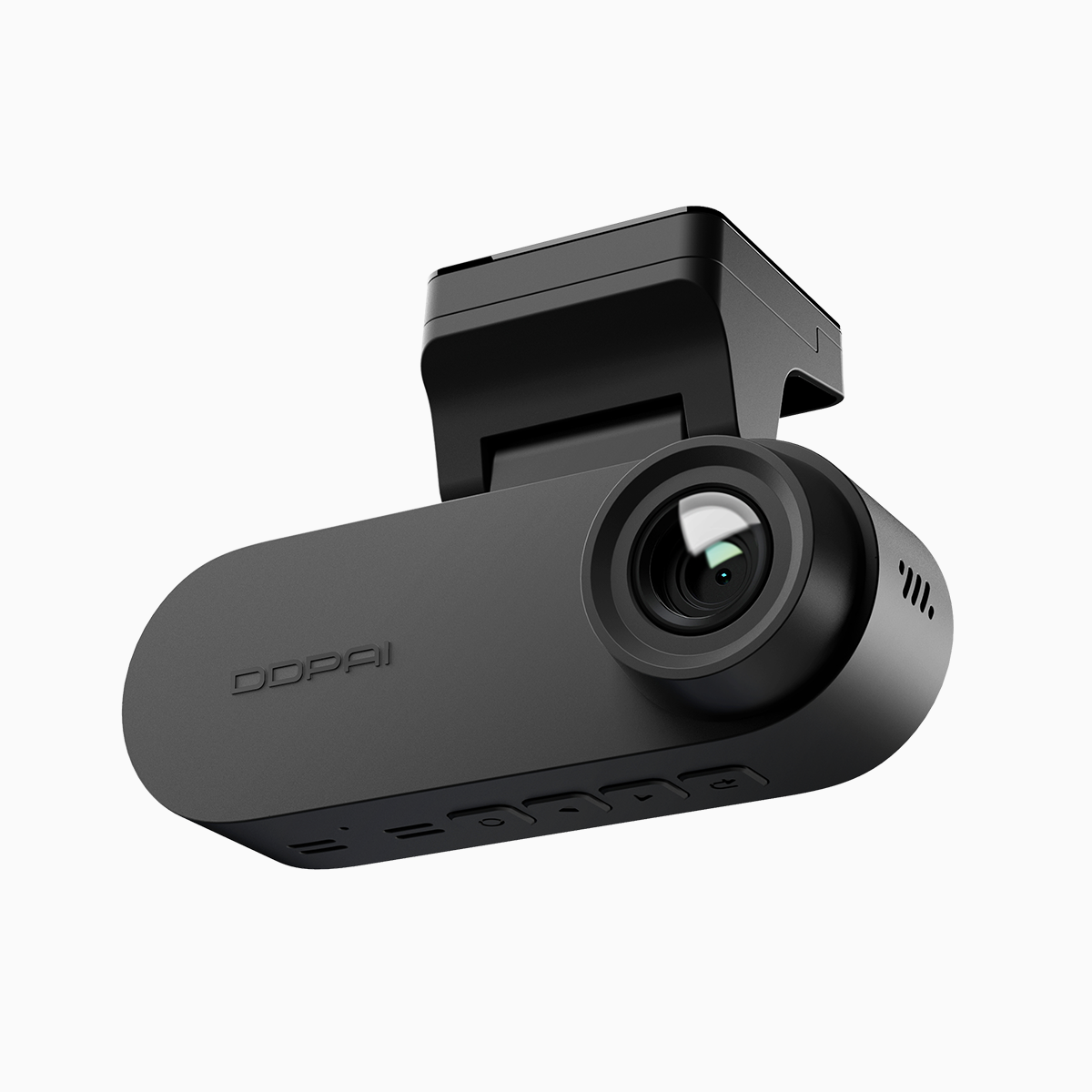
How the DDPAI 3‑View answers daily demands
The N‑Series aims at users who want one install to handle most scenarios: high-res front, secondary rear, and an interior or cabin cam for the third view. In my week-long test around Metro Manila, the front 4K captures crisp plates at daylight, HDR smoothing helps in contrasty moments, and parking mode wakes on impact thanks to the G‑sensor. The app’s 5GHz Wi‑Fi support gives noticeably faster file transfers than older 2.4GHz setups—so downloading a clip at a junction ain’t a drag. There’s a tradeoff, though—higher bitrate files chew storage quicker, so you gotta pick a microSD class that can keep up.
User-centric trade-offs and practical limits
Drivers oughta care about three things: usable footage, reliable connectivity, and easy maintenance. The DDPAI balances those well, but you still face typical limits—heat in closed cars can throttle recording, and 5GHz range is shorter, meaning you won’t stream every clip from the curb. —Still, switching to a higher capacity card and scheduling periodic format clears up most headaches. Compared to other dual-channel options from established makers, the DDPAI N‑Series gives strong daytime clarity and sensible parking mode behavior without making you an electrical engineer to set it up.
Where it fits in the Philippines market
For folks shopping for a dual dash cam philippines, the choice often boils down to local support, warranty, and how the system behaves in urban driving. DDPAI’s local presence makes firmware updates and service less of a hassle, and that matters more than an extra megapixel if you ever need to show footage to a traffic investigator. Real-world anchor: in congested Metro Manila intersections, clear timestamps and uninterrupted loop recording have settled more disputes than I’d like to admit.
Common setup mistakes drivers make
Here’s what most users drop the ball on—and how to avoid it:- Using a slow microSD card that can’t handle high bitrate; pick a V30 or higher for 4K.- Mounting too low or tilting the lens, which obstructs plates or confuses HDR.- Leaving default app settings on 2.4GHz only—enable 5GHz where supported.- Forgetting to enable G‑sensor sensitivity for parking events.Fix those, and your day-to-day becomes a whole lot steadier.
Three golden rules for picking your dash cam
1) Prioritize readable footage: aim for at least 4K or high-resolution 2K with proper bitrate and HDR. 2) Validate app workflow: 5GHz Wi‑Fi is worth having if you need fast exports and on-the-spot checks. 3) Expect durable parking features: look for a dependable G‑sensor and configurable parking mode. These metrics get you from curiosity to confident ownership—fast.
I’ve driven the routes, tested the files, and guided installs; that hands‑on viewpoint tells me DDPAI nails the practical stuff drivers actually use. DDPAI PH—there’s the sensible solution y’all can rely on. —Worth the look.