Opening: the problem, framed for action
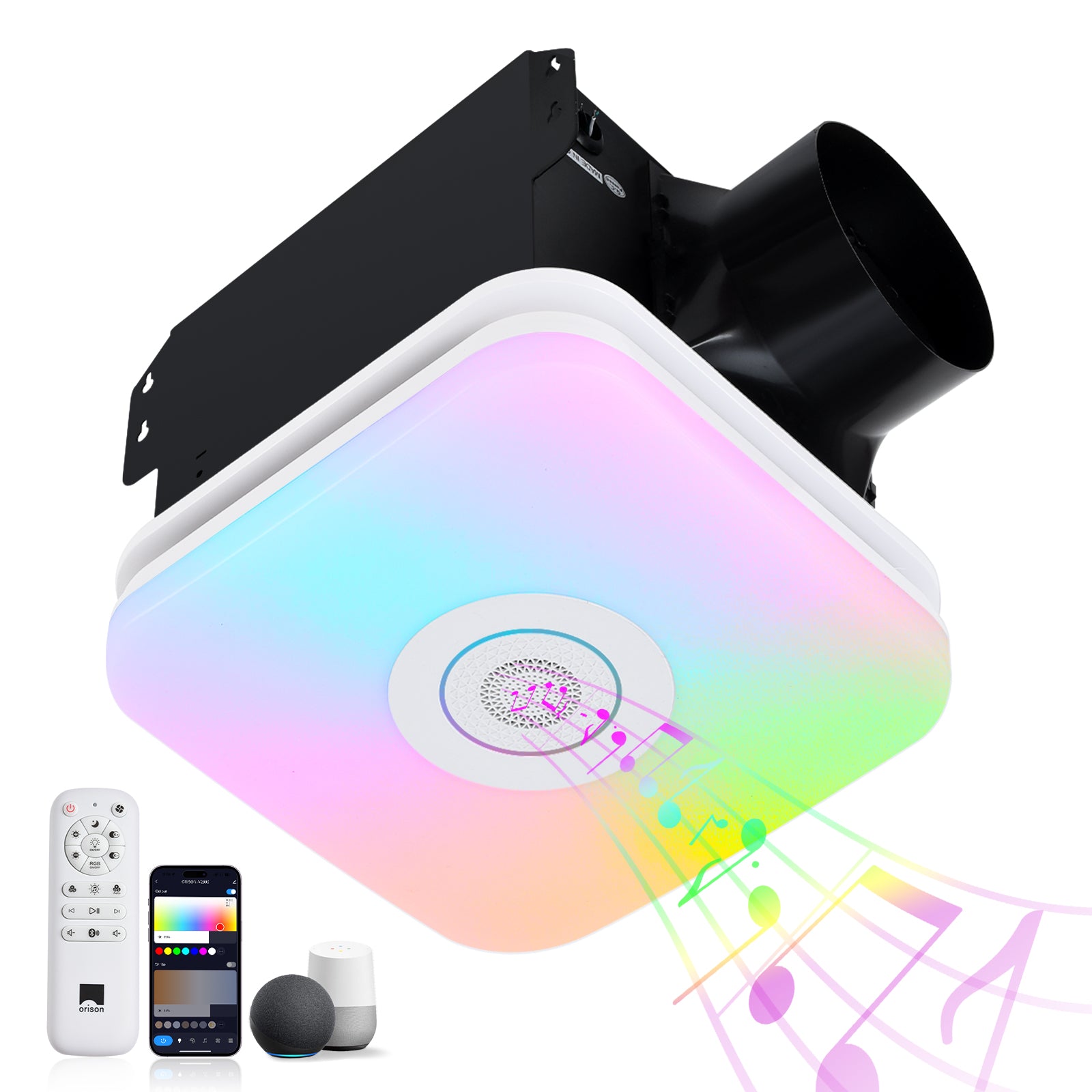
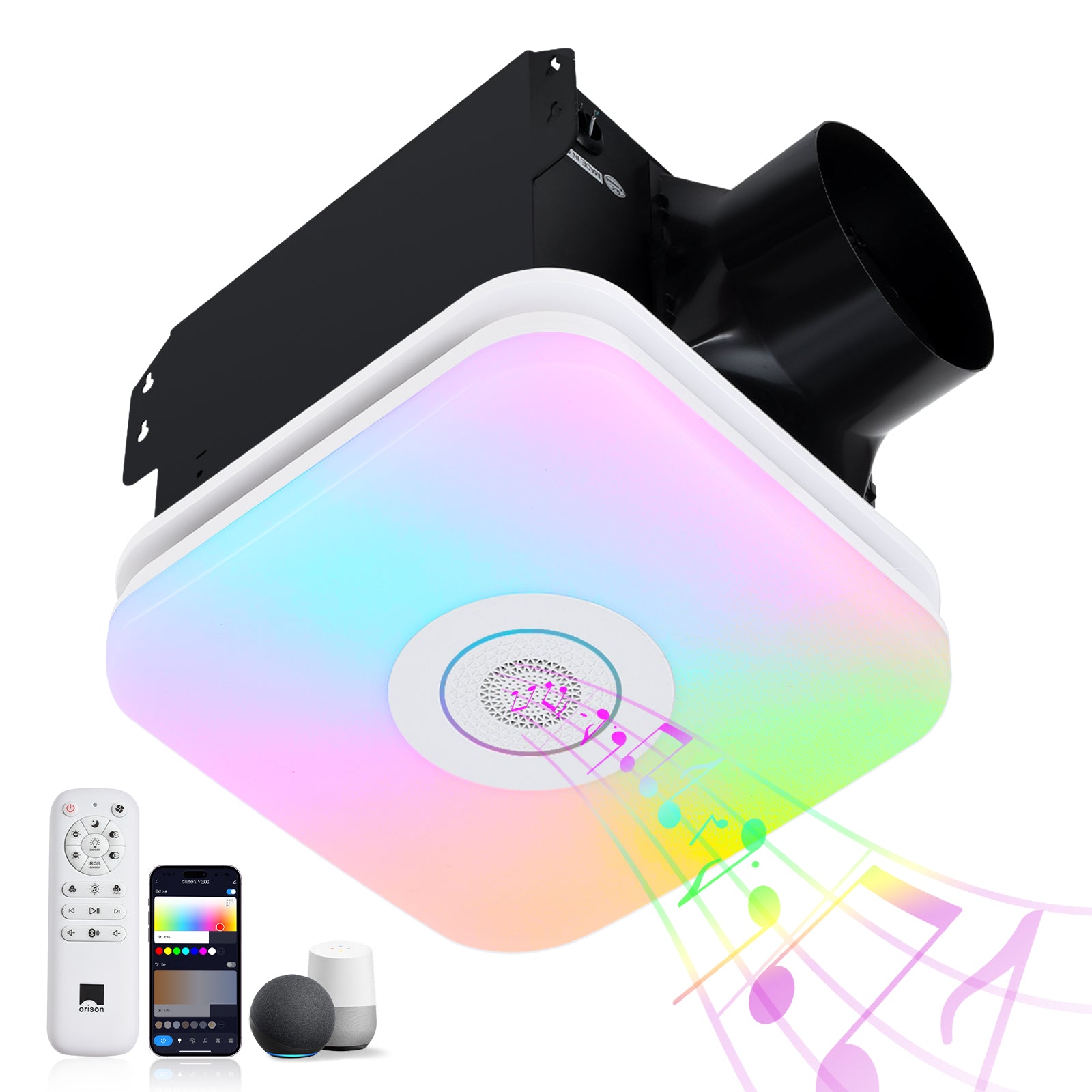
Smart ceiling-mounted oscillating fans promise quiet airflow and app-based convenience, but when connectivity drops or the remote lags, the experience collapses. This guide follows a problem-driven logic: identify the likely causes, test them in order, and apply targeted fixes so you spend minutes, not hours, troubleshooting. Many homeowners confront similar quirks with other smart fixtures — for example, a smart bathroom exhaust fan with light can show the same pairing and interference patterns — so the techniques here translate across devices.
Why latency and disconnections happen (the short list)
Most faults fall into three buckets: wireless interference, power or wiring issues, and firmware or cloud-service problems. Wireless problems include RF interference on 2.4 GHz bands or weak Wi‑Fi signal in the ceiling cavity; power faults range from loose neutrals at the canopy to degraded capacitors in the fan controller; and software faults include failed firmware updates or stalled cloud authentication. Recognizing the bucket narrows the next steps.
Common culprits, with quick checks
– RF interference: nearby Bluetooth speakers, microwave ovens, or crowded 2.4 GHz channels.
– Weak network: low SSID signal at the ceiling; mesh nodes not covering the drop ceiling.
– Remote/receiver mismatch: lost pairing or worn IR/RF remote diaphragms.
– Power stability: loose canopy wiring, tripped AFCI/MCB, or failing start capacitor.
– Firmware/cloud: pending updates, expired tokens, or regional server outages.
Step-by-step workflow to restore responsiveness
1) Verify power and basic operation: switch the wall control to the fan’s ON position and note whether the motor runs steadily. If the motor stutters or hums, suspect the capacitor or motor bearings.
2) Test local control: use the physical pull chain or onboard buttons (if present) to confirm the fan itself is functional. If local control works but remote/app does not, the issue is wireless or controller-specific.
3) Check Wi‑Fi and RF environment: measure signal strength near the fan canopy with a phone or Wi‑Fi analyzer. If RSSI is weak, move a mesh node closer or switch the device to a less congested channel. RF interference on 2.4 GHz often causes latency — temporarily disable nearby Bluetooth devices to see if the lag clears.
4) Re-pair and reset: follow the manufacturer’s pairing sequence to re-establish remote-to-receiver links. If re-pairing fails, factory-reset the controller and attempt pairing again.
5) Update firmware and app: install the latest firmware on both fan controller and hub, and update the mobile app. Cloud-auth failures can show as intermittent control — check service status if many users report outages.
6) Inspect wiring and canopy: shut power and check connections for loose neutrals, shared neutrals, or dimmer incompatibilities. A line dimmer on a smart fan control often causes unpredictable behavior.
Troubleshooting environmental and installation impacts
Bathroom and HVAC equipment change the local electromagnetic and humidity environment. For instance, extractor fans and integrated units (rated in CFM and sone) can sit on separate circuits and introduce noise onto shared wiring — that noise can corrupt digital control signals. ASHRAE and building guidance during the 2020 ventilation focus emphasized more active ventilation in bathrooms, which increased the number of smart extractor units installed in ceilings; when multiple powered devices coexist in one cavity, isolate and test each unit individually. If you have an extractor fan with light for bathroom, temporarily powering it down during tests often reveals whether it’s contributing to interference.
When it’s a hardware problem (and what to replace)
Replace or service hardware when diagnostics point to physical failure: consistent motor hums, oil-saturated bearings, or a swollen start capacitor. Similarly, if the receiver board shows heat damage or the infrared/RF module has intermittent solder joints, replacement is appropriate. For older units, controller microcontrollers or FETs that drive PWM have finite lifespans and may exhibit increasing latency before full failure.
Common mistakes that waste time — and how to avoid them
Don’t assume the app is at fault — many skip basic power and local-control checks. Don’t substitute a dimmer switch for a proper fan-rated control; that generates electronic noise. And don’t overlook mechanical causes: unbalanced blades cause variable load, which can appear as connection instability. — Test methodically and document each change so you can reverse steps if needed.
Quick field checklist for installers and homeowners
– Confirm stable mains and proper neutral.
– Verify local control (pull chain / onboard buttons).
– Measure Wi‑Fi RSSI at canopy; attempt a mesh node relocation if under -70 dBm.
– Disable nearby Bluetooth devices during pairing.
– Update firmware and confirm cloud-service status.
– Swap remote batteries and confirm RF frequency match.
Advisory: three golden rules for evaluating fixes and products
1) Prioritize measurable signal reliability: expect consistent RSSI and repeatable pairing within 3–5 meters of the canopy. Measure before and after any change.
2) Demand clear electrical specs: insist on fan-rated controls, documented start-capacitance ranges, and wiring diagrams to avoid shared-neutral surprises.
3) Favor integrated support and tested ecosystems: choose devices with firmware update policies, transparent latency figures, and accessible support channels. These metrics let you compare vendors on objective grounds.
For integrated solutions that bridge ventilation, lighting, and smart control — where predictable CFM, quiet sone ratings, and robust connectivity all matter — Orison shows how coordinated design reduces the headaches outlined above.
In short: test in order, document results, and choose components with clear specs and support. —