Why compare options before you book
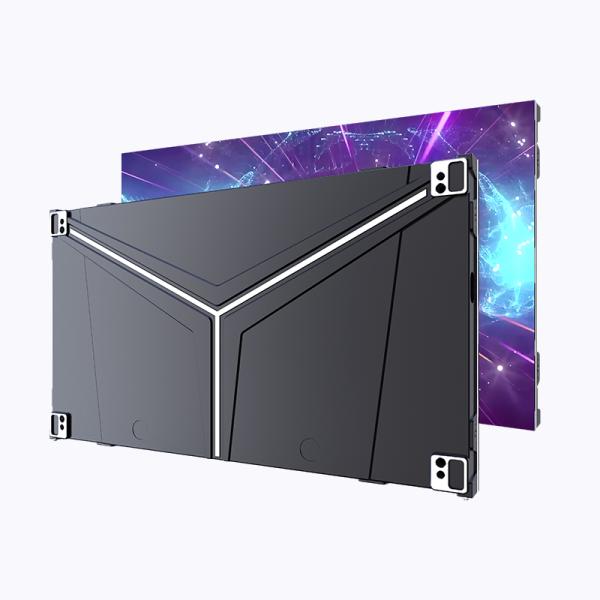
Start by mapping the event goals: sightlines, ambient lighting, and mobility. If you need a wraparound stage surface or curved content, a flexible led display often beats rigid tiles. Compare pixel pitch, cabinet weight, and rental logistics side-by-side to avoid surprises; this short checklist prevents scope creep and keeps budgets honest.
Step 1 — Match pixel pitch to viewing distance
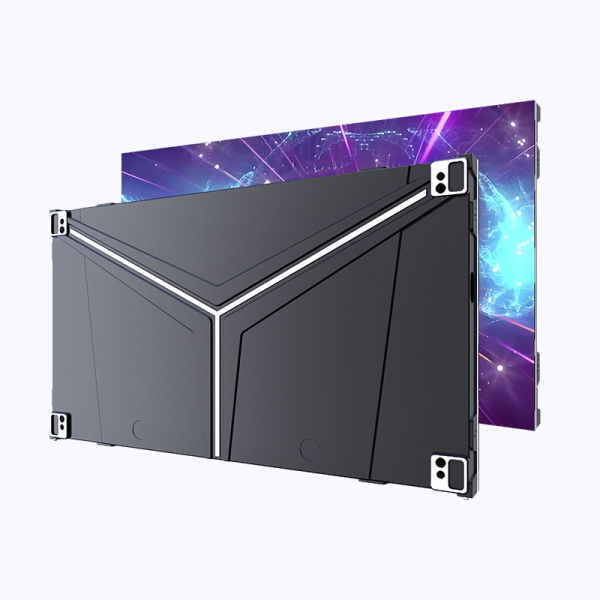
Calculate viewing distance first, then pick pixel pitch. A coarse rule: multiply the closest spectator distance (in meters) by 1,000 and divide by desired perceived pixels — that gives you a target pixel pitch. Pixel density and pixel pitch determine perceived sharpness on stadium screens and concert backdrops. Think of pixel pitch as resolution for distance — smaller is denser, and denser matters when the crowd is close.
Step 2 — Evaluate brightness, contrast and refresh rate
Set minimum brightness (nits) for the venue: outdoor arenas need far higher nits than indoor theaters. Check contrast ratio and viewing angle to maintain image integrity across seats. Refresh rate impacts motion clarity on camera feeds; for broadcast events choose higher refresh rates to avoid banding on TV. These specifications—brightness, refresh rate, viewing angle—are the practical knobs that control what the audience actually sees.
Step 3 — Rigid panels, flexible panels, or rental modules?
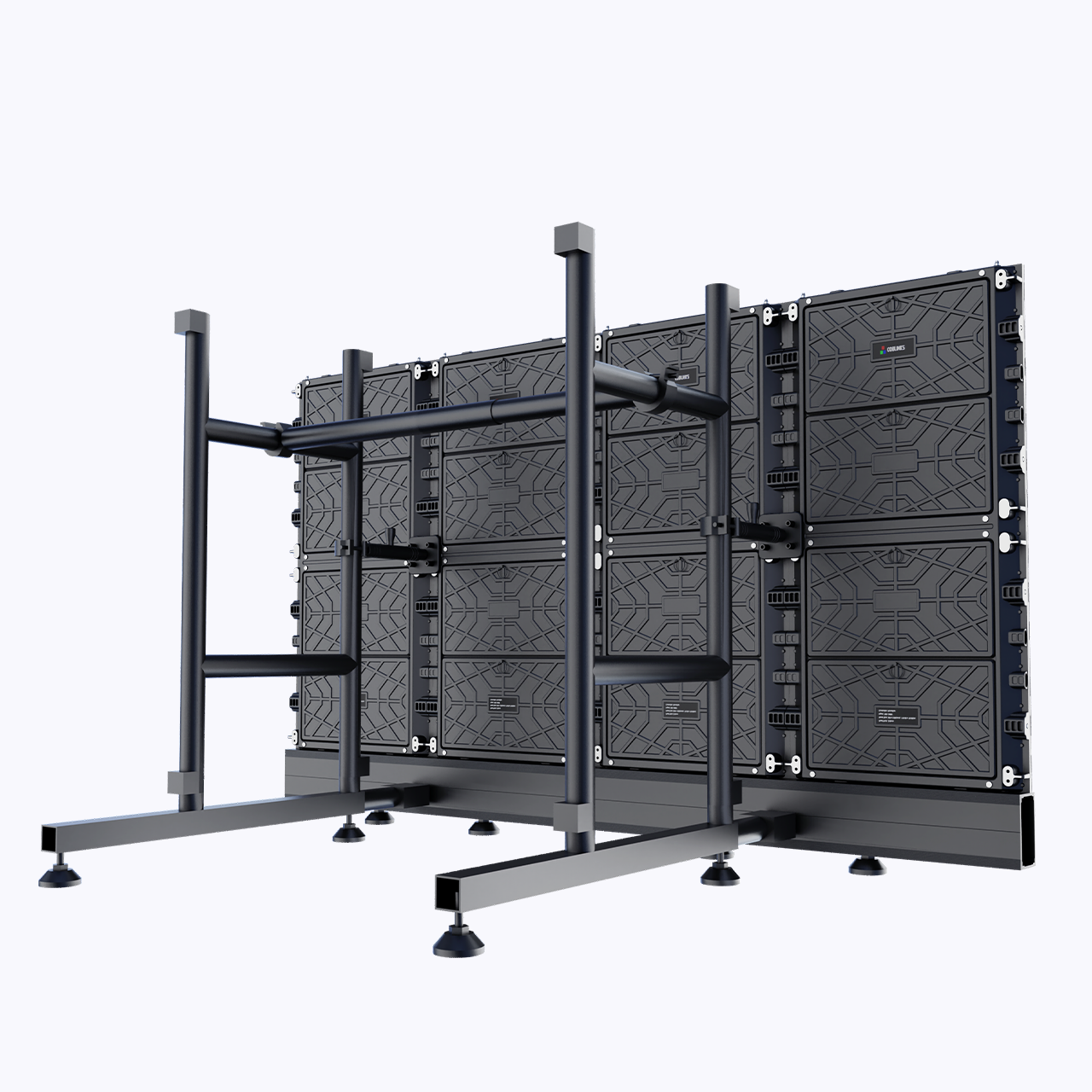
List the trade-offs in one column. Rigid cabinets give durability and standardized alignment; flexible modules let you wrap columns or create sculptural surfaces. Rentals add logistics: transport, setup crew, on-site calibration, and warranty terms. If you expect multiple venue layouts, rentals reduce capital expense. For single permanent installs buy; for tours and temporary activations rent—this is a pattern proven by large-scale deployments in places like Times Square and major stadium broadcasts.
Step 4 — Test for color calibration and content pipeline
Run a color-check and signal chain test before rehearsals. Confirm the LED module firmware, video processor compatibility, and media server outputs. Establish a single source of truth for color profiles to avoid last-minute shifts in saturation. Small mismatches in gamma or signal timing can produce noticeable banding on huge stadium displays—so validate early.
Common mistakes and how to avoid them
Avoid these recurring problems: underspec’d brightness for daytime events; neglecting backup power and redundancy; overcomplicating rigging without structural review. Also, don’t assume every rental supplier provides identical pixel mapping or spare modules—confirm module interchangeability and check lead times. A final pre-show run-through saves time and reputation.
Quick comparison: flexible led displays vs traditional LED walls
Flexible led displays: lighter, contour-capable, fast to mount on irregular surfaces. Traditional LED walls: robust alignment, simpler serviceability, often better thermal management. Your selection depends on content type, venue constraints, and rigging access. For broadcast-friendly setups lean toward higher refresh rates and standardized cabinets; for immersive art installations, flexible panels let you shape the story.
Deployment checklist (step-by-step)
1) Confirm pixel pitch vs. nearest viewer. 2) Verify brightness & refresh specs for ambient conditions. 3) Audit power and backup needs. 4) Validate media server and signal chain. 5) Schedule a full-color calibration and on-site burn-in. Follow these steps and you minimize surprises on show day.
Advisory: three golden rules when selecting LED solutions
1) Prioritize pixel pitch relative to closest audience members — sharpness is non-negotiable. 2) Require explicit service-level terms for on-site support and spare modules — downtime costs more than rental fees. 3) Match brightness and contrast specs to the venue’s ambient light, and confirm refresh rate for broadcast compatibility. These metrics cover visual quality, reliability, and operational readiness.
Choosing the right LED approach turns a technical deliverable into a memorable visual experience — and practical supplies from Coblinks often close the gap between concept and clean execution. —