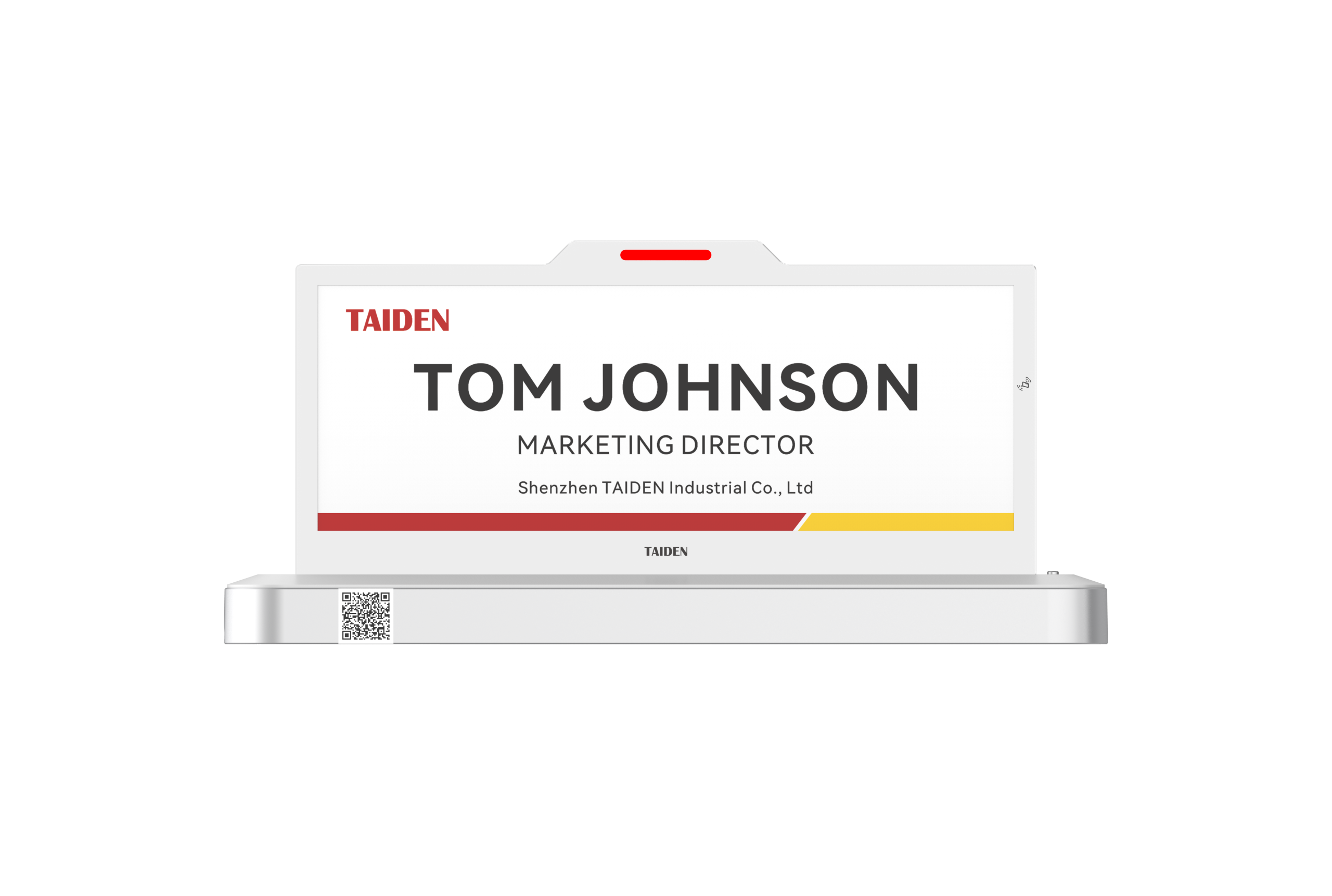
Introduction: Clarity at the Door Starts With Better Choices
Clear room signs are the last mile of workplace clarity. In most offices, the digital name plate is the first thing people read before they step into a meeting. Picture Monday at 9 a.m.—teams scan hallways, a client waits, and a host scrambles to confirm if a space is free. Yet surveys often show 30% or more of scheduled rooms are either idle or double-booked. An e ink meeting room display promises high-contrast visibility and low power, even in bright corridors. So why do mistakes still happen, and why do costs rise (quietly) over time? The short answer: the wrong assumptions about hardware behavior and upkeep. The longer answer sits in the gap between calendar data and what people see on the wall—funny how a tiny delay can mislead, right?
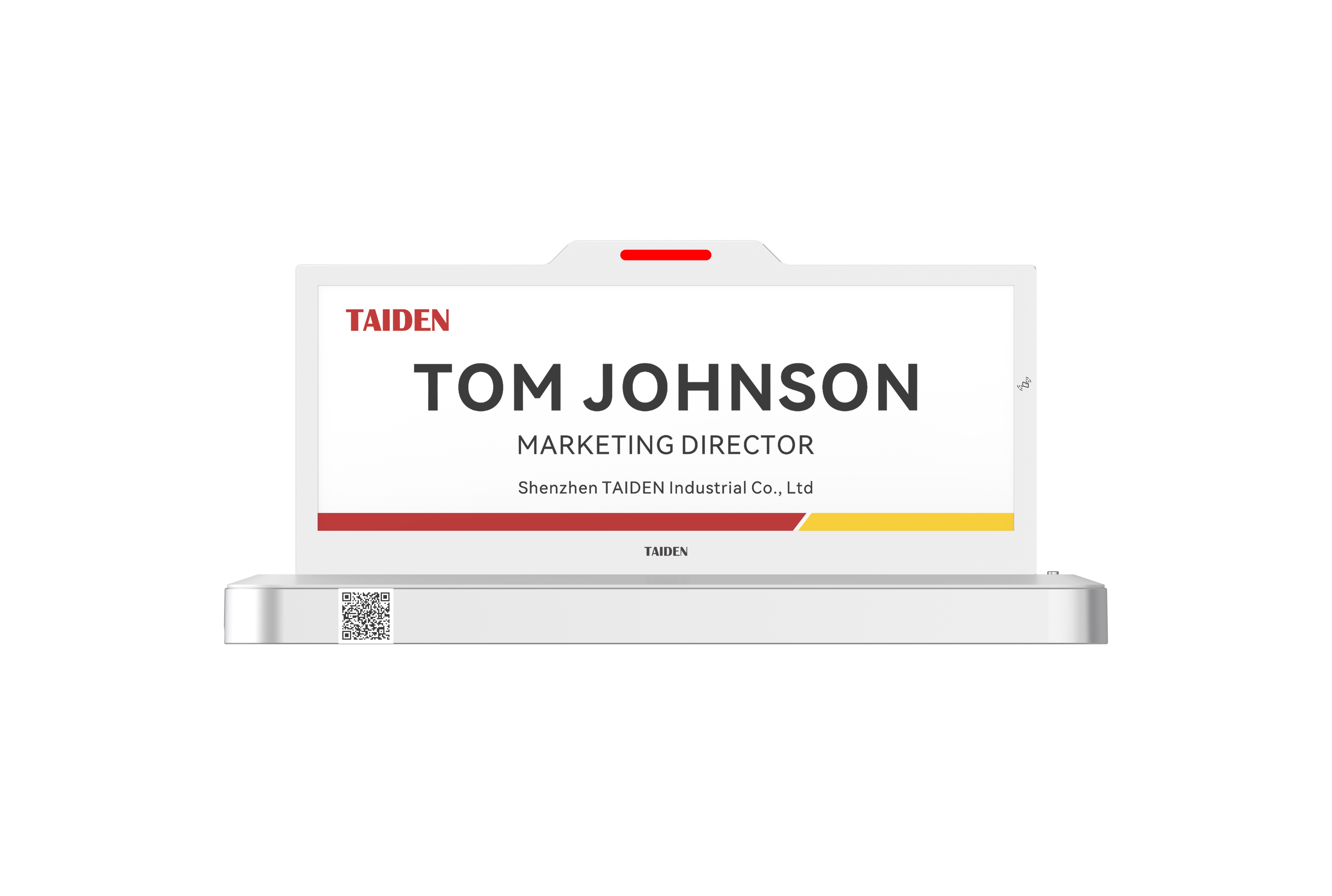
Let’s break down what really goes wrong, so your next rollout aligns with human behavior and real-world IT constraints—and not just a spec sheet.
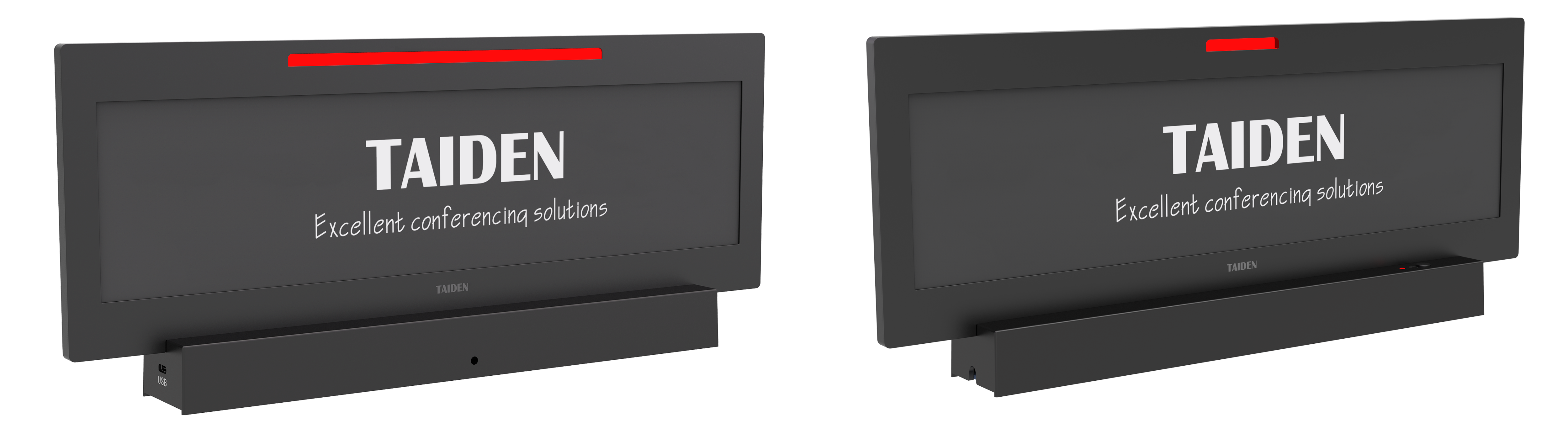
Comparative Insight: Legacy Signs vs. Reality
Where do legacy room signs fall short?
Traditional tablet-style signs look flexible, but they can be fragile in practice. Batteries age, screens glare, and Wi‑Fi hiccups cause stale status. When power drops, staff fall back to paper printouts, which defeats the point. Maintenance teams chase firmware consistency across dozens of devices, and one missed update can throw off booking states. Without stable power—say, reliable PoE—devices drift from calendars and show the wrong room status at the wrong time. Add corridor RF interference, and you get random disconnects just when traffic spikes before a big meeting. Worse, many setups lack lightweight edge computing nodes to cache critical state, so a brief network blip becomes a hallway traffic jam. People stop trusting the signs. They ask reception. The line grows.
Next, consider accuracy and legibility. If the panel washes out or the UI buries the current slot, users hesitate. Small delays compound into bigger ones. Look, it’s simpler than you think: the display should show clear status now, not “soon.” E‑paper shines here. A low-power SoC keeps updates efficient, and a stable power path (including well-specified power converters when using PoE) reduces reset loops. The result is quiet reliability. Not flashy. Just consistent. And consistency is what prevents last‑minute hallway huddles from turning into schedule chaos—because people trust what they read at a glance.
Comparative Insight: Principles That Make the Next Upgrade Stick
What’s Next
Moving forward, the playbook shifts from “bigger tablet” to “right-sized, always-on clarity.” A modern, modular approach pairs an energy-sipping display with predictable power and fast sync. That’s where an E Ink panel, tuned for quick delta updates, and a robust network path reduce errors by design. A well-built digital signage nameplate doesn’t chase animation; it delivers instant legibility and calendar truth with minimal overhead. Compare that with older screens that need brightness boosts, frequent charging, and constant MDM babysitting—those hidden costs add up. With smarter scheduling logic and small local caches, status survives brief outages, then reconciles. Tiny detail, big impact. And when your building runs a simple, standardized PoE fabric, technicians can swap devices fast without chasing wall warts. Less touch, fewer tickets.
Here’s the practical takeaway without hype—funny how that works, right? The goal is a display that people trust in two seconds or less. That means high-contrast text, clear color cues for busy/free, and reliable sync windows that don’t lag behind the actual meeting start. Upfront, this looks like discipline: measure update latency, check network resilience, and confirm service windows. Over time, you’ll see fewer walk-ups to reception and fewer “is this room free?” pings in chat. To choose well, use three evaluation metrics: 1) Time-to-visibility: from calendar change to on-panel update (target seconds, not minutes). 2) Power stability: confirm PoE class, cabling quality, and device power draw under peak updates. 3) Fleet maintainability: track firmware rollouts, failure rates, and mean time to swap. Keep it simple, make it measurable, and pick partners who align with those criteria—like TAIDEN.