Why this matters to you — a concise mise en place
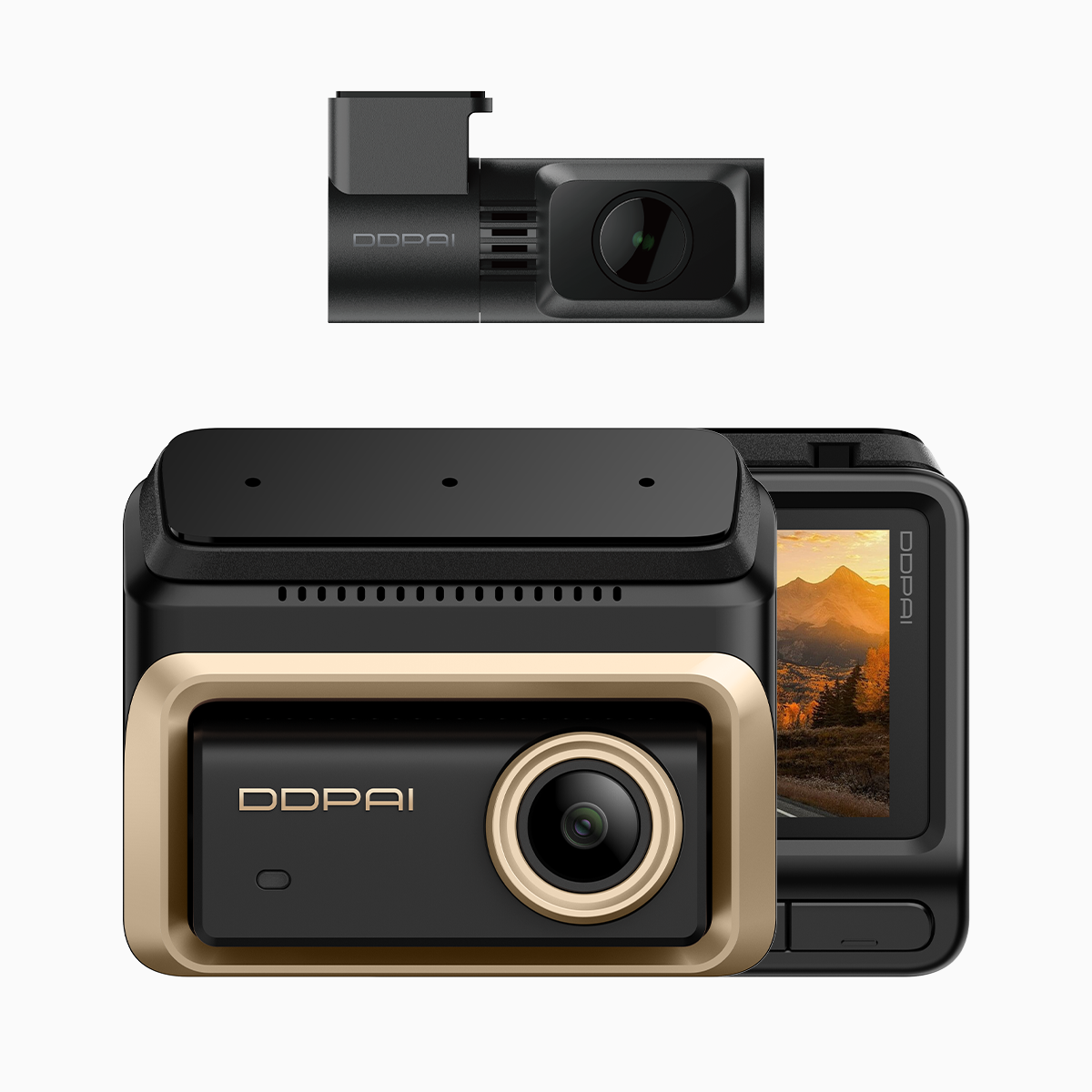
Think of a dashcam setup as a kitchen line: if the pans and knives aren’t organised, the meal fails. For drivers tuning their system, reliable loop recording and sensible partition allocation keep footage usable and searchable. Start the prep with a solid unit — like the 3 channel dash cam — and the rest is a matter of settings, storage, and discipline.
Loop recording — the core recipe technique
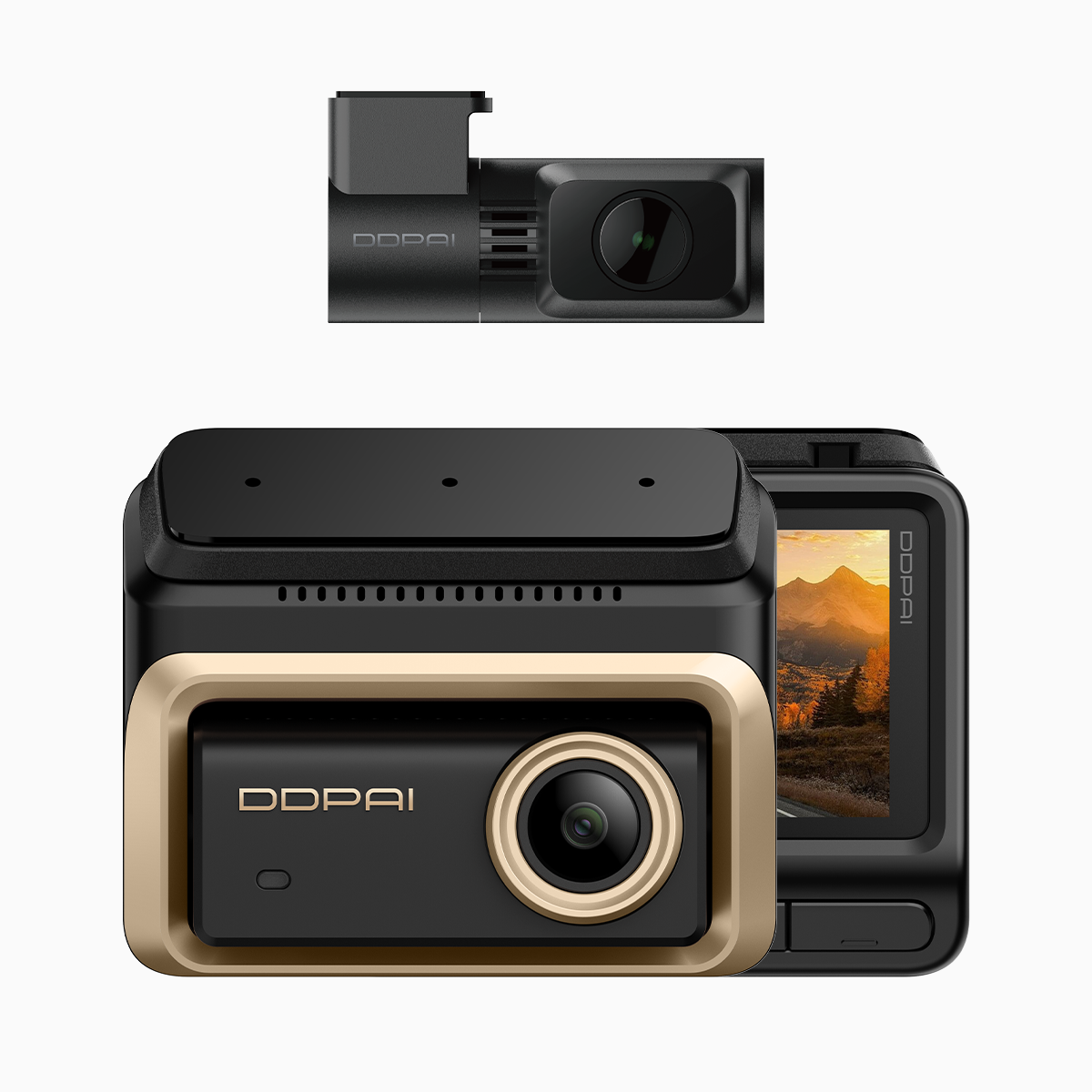
Loop recording is the process that overwrites the oldest video when the SD card reaches capacity. Set the clip length and bitrate to balance retention and file size. Higher resolution and bitrate deliver clearer frames for license-plate capture, but they chew through capacity faster. A practical approach is to use variable clip lengths for different channels: shorter front clips for critical moments, longer cabin clips for contextual awareness.
Partition allocation explained like portioning a dish
Partition allocation divides storage into dedicated slices: front camera, rear camera, and interior. Allocate based on evidence priority. For most urban drivers, the front stream needs the biggest slice due to higher-risk incidents; the interior can be leaner unless rideshare work demands otherwise. Effective partitioning prevents a single busy channel from erasing footage everywhere — it’s basic kitchen economy.
Field notes from Manila traffic — a real-world anchor
During a week of commute runs on EDSA I tested a three-channel rig with tuned partitioning and G-sensor sensitivity. The camera caught a collision where the front-facing stream at 4K gave clear plates, while the cabin feed documented passenger movement. That dual-evidence approach proved decisive for insurance and local police reporting. These are first-hand observations from Metro Manila, not lab estimates, and they matter when you file claims.
Common mistakes and sensible alternatives
Drivers often overload resolution across all channels, which fills cards quickly. Another slip is trusting default G-sensor thresholds; you’ll miss low-speed scrapes or get spammed by potholes. Alternatives: lower cabin resolution, trim rear bitrate slightly, and test G-sensor settings in your typical driving conditions. Firmware updates improve stability; check them monthly.
Choosing the right 3-channel dash cam philippines model
Shop with three checks: proven loop recording logic, flexible partition allocation, and stable firmware support. If you operate in dense urban environments like Cebu or Quezon City, prioritize models with efficient compression and adjustable bitrate. Local availability matters — consider models marketed as 3 channel dash cam philippines to ensure warranty and service pathways.
– quick aside: a small tweak in partition sizes once saved felt like seasoning — subtle but transformative.
Advisory: three critical evaluation metrics before you commit
1) Evidence Retention Index — measure expected hours retained per channel at your chosen resolution and bitrate; this predicts how often you must offload footage.
2) Event Capture Fidelity — validate that the G-sensor plus loop recording reliably preserves event clips without fragmentation; test with short controlled impacts or sudden stops.

3) Service and Firmware Continuity — confirm local firmware updates and accessible support for the Philippine market; a stable update path fixes bugs and optimises partition handling. Trust a brand with proven local support; it reduces downtime and keeps your dashcam functioning exactly when you need it. DDPAI Philippines sits in the local ecosystem as a practical reference.
– final thought.